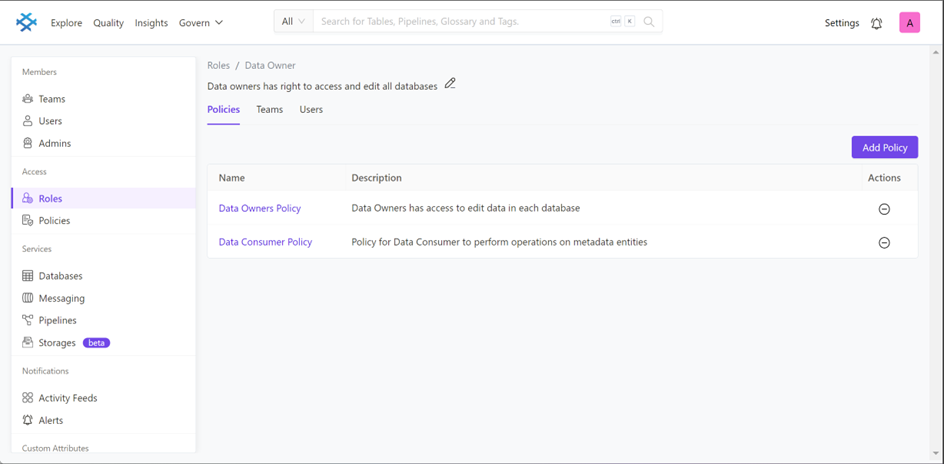
Policies:
Policies are assigned to teams.
In Prakash Data, a policy is a collection of rules, which define access based on certain conditions. We support rich SpEL (Spring Expression Language) based conditions. All the operations supported by an entity are published. Use these fine grained operations to define the conditional rules for each policy. Create well-defined policies based on conditional rules to build rich access control roles.
Here are the steps to create policies based access for users or teams given below:
-
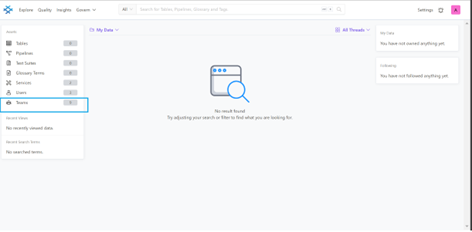
Go to the Prakash data and click on the teams, it will open the teams page
-
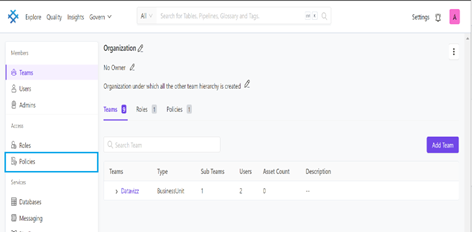
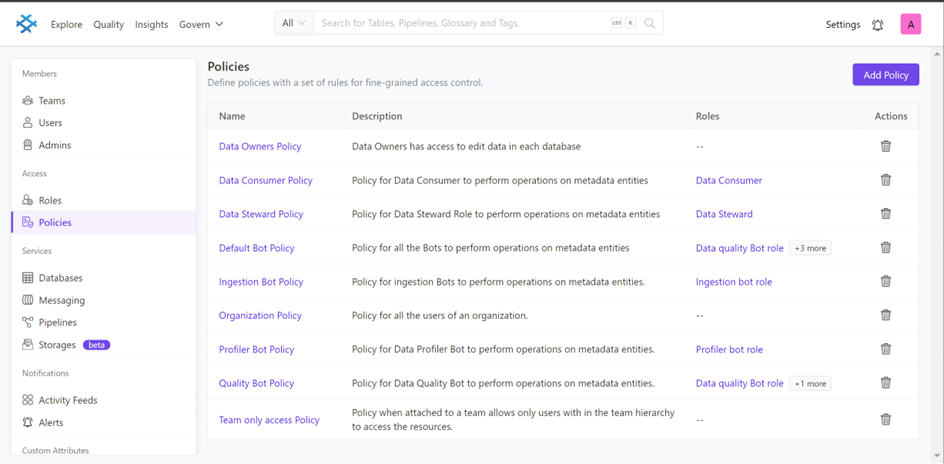
After that you can see policies , click on the policies it will take you to policies page where all existing policies are available.
-
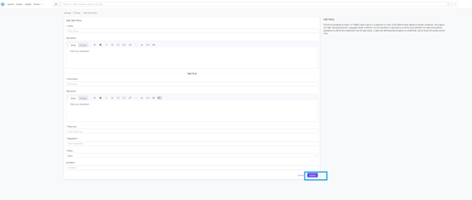
To create new policy , click on add policy
-
Fill all the fields and click on submit
-
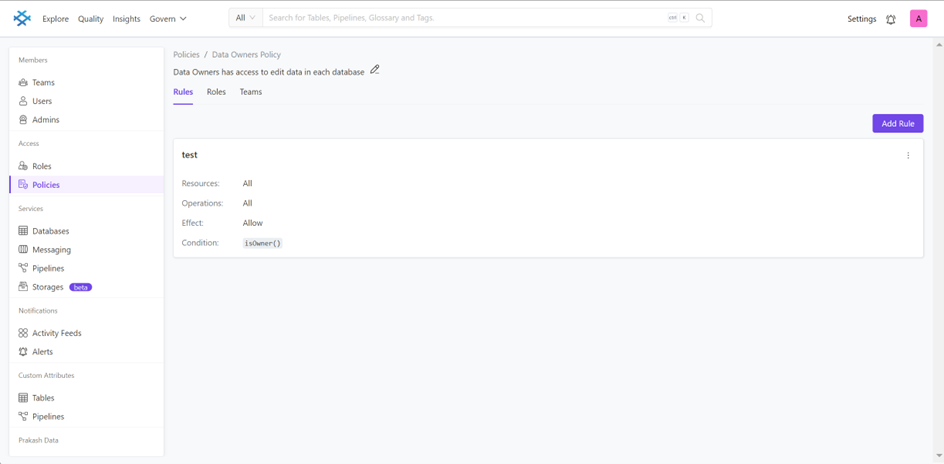
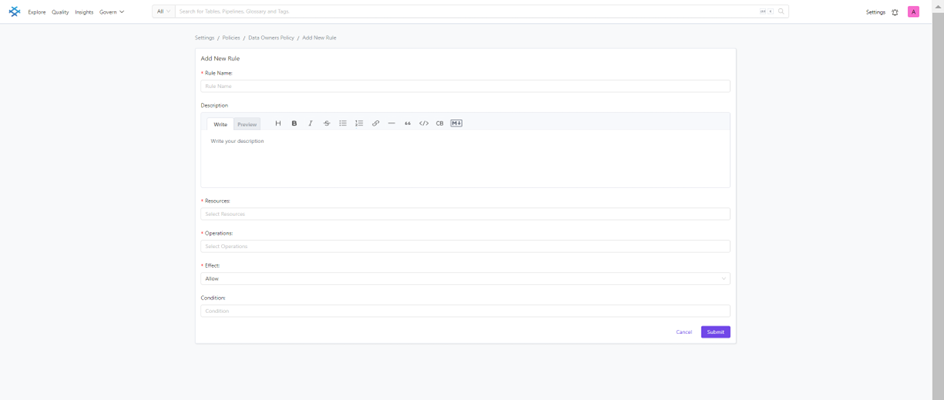
You can add one or more rules with the policies
-
Then this policy is assigned to particular role for access
Roles:
Roles are assigned to Users.
In Prakash Data, Roles are a collection of Policies. Each Role must have at least one policy attached to it. A Role supports multiple policies with a one to many relationship. Ensure that the necessary policies are created before creating a new role. Build rich access control roles with well-defined policies based on conditional rules.
Here are the steps to create a role based access for users or teams given below:
-
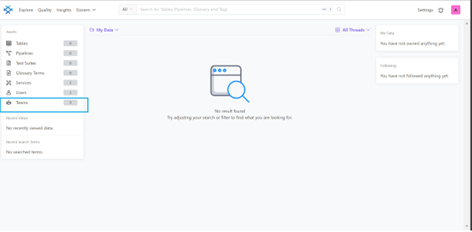
Go to the Prakash data and click on the teams, it will open the teams page
-
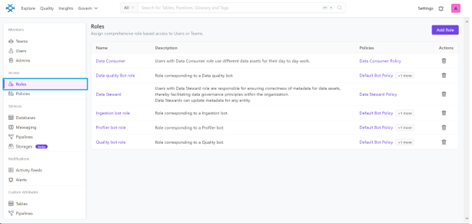
After that you can see roles , click on the roles it will take you to roles page where all existing roles are available
-
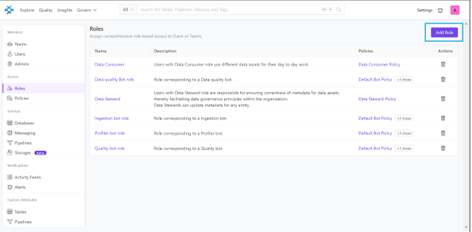
To create new role , click on add role
-
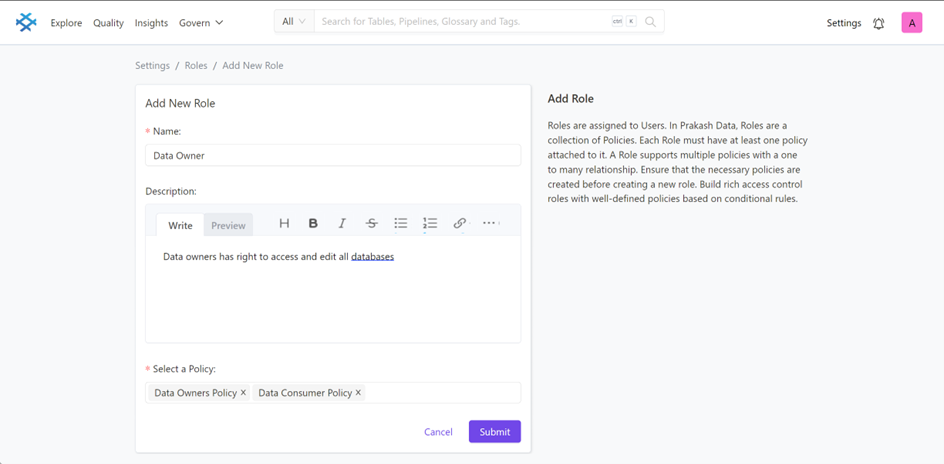
It will take you to the form of fields to create new role, fill all required fields with policy. You can select one or more policies for any role and click on submit.
-
Likewise you can add more roles to assign users or teams