Teams :
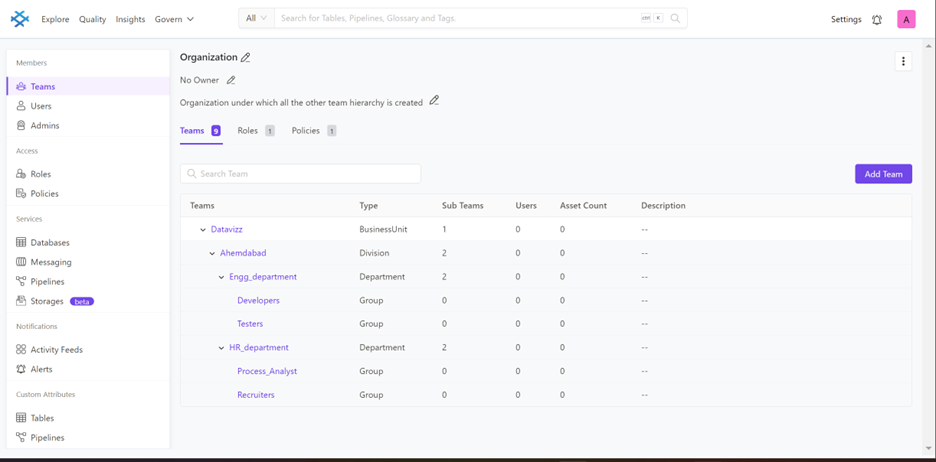
In Prakashdata, we have hierarchal team structure with teamType that can be Organization, Business Unit, Division, Department, and Group (default team type).
-
Organization is the root team in the hierarchy. It can’t have a parent. It can have children of type Business Unit, Division, Department, Group along with Users directly as children (who are without teams).
-
BusinessUnit is the next level of the team in the hierarchy. It can have Business Unit, Division, Department, and Group as children. It can only have one parent either of type Organization, or Business Unit.
-
Division is the next level of the team in the hierarchy below Business Unit. It can have Division, Department, and Group as children. It can only have one parent of type Organization, Business Unit, or Division.
-
Department is the next level of the team in the hierarchy below Division. It can have Department and Group as children. It can have Organization, Business Unit, Division, or Department as parents. It can have multiple parents.
-
Group is the last level of the team in the hierarchy. It can have only Users as children and not any other teams. It can have all the team types as parents. It can have multiple parents
Here are the steps given below for create a team likewise you can create all teams as per hierarchy:
-
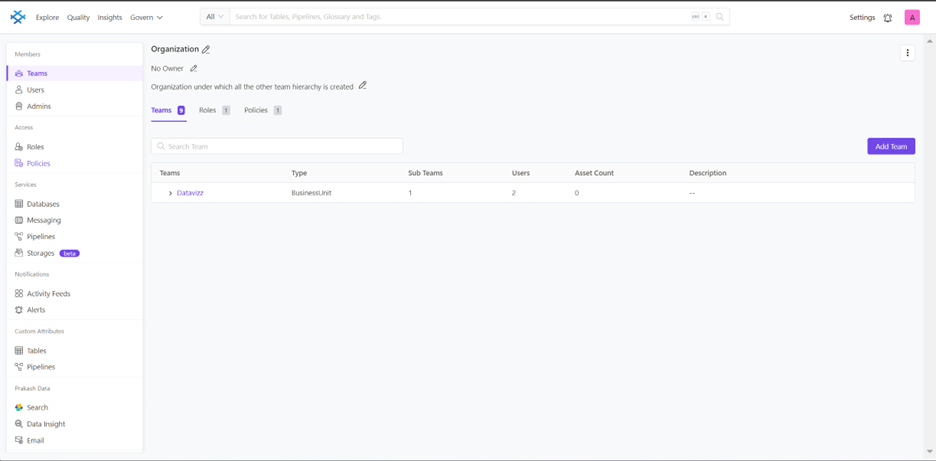
Login to Prakash data, then click on teams this will take you to teams page where you can see all teams
-
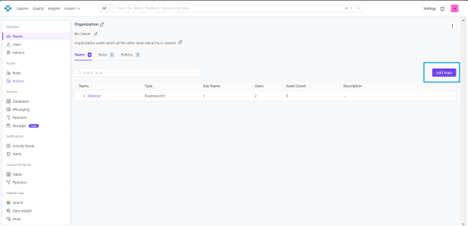
Click on the add team it will go to the form to create a team
-
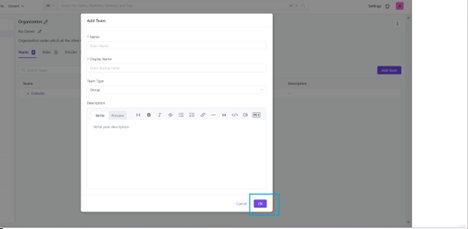
Fill all the fields with team type, it should be Business unit, Division, Department or Group in the given form and then click on ok.
-
likewise you can create teams as per given hierarchy
https://app.tango.us/app/embed/How-to-Add-Datavizz-to-Teams-BusinessUnit-9e66dec8c5ad41c592b9f22961caf8b6
Users:
Here are the steps to create users for particular teams
-
Click on the users, it will take you to all users which are existing.
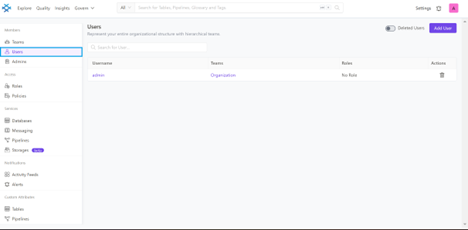
-
Click on add user it will take you to the form to add user, then fill all the fields and click on create.
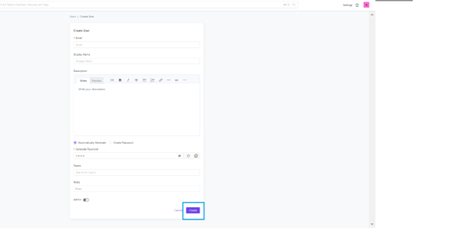
-
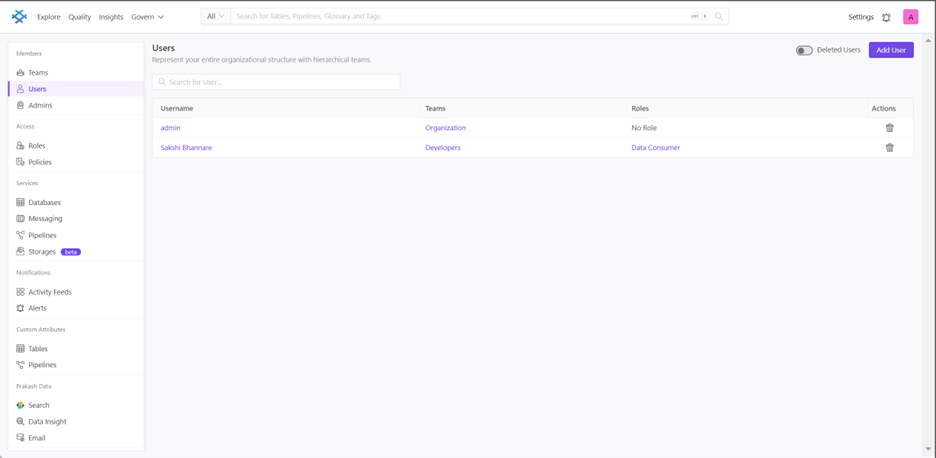
Now you can see the new user added with Developers team and data consumer role.
-
Likewise you can add users for particular team with existing roles